


Presonus Faderport 8

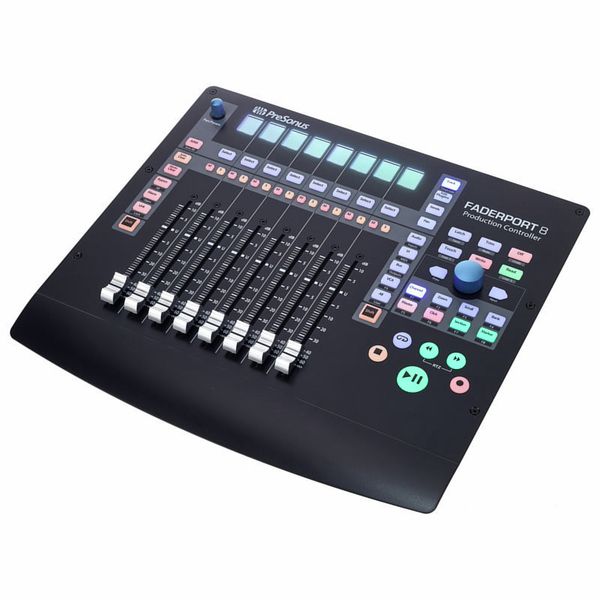
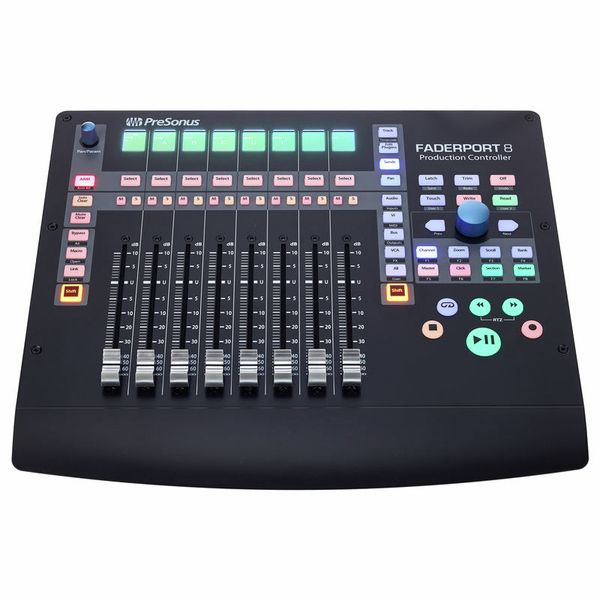
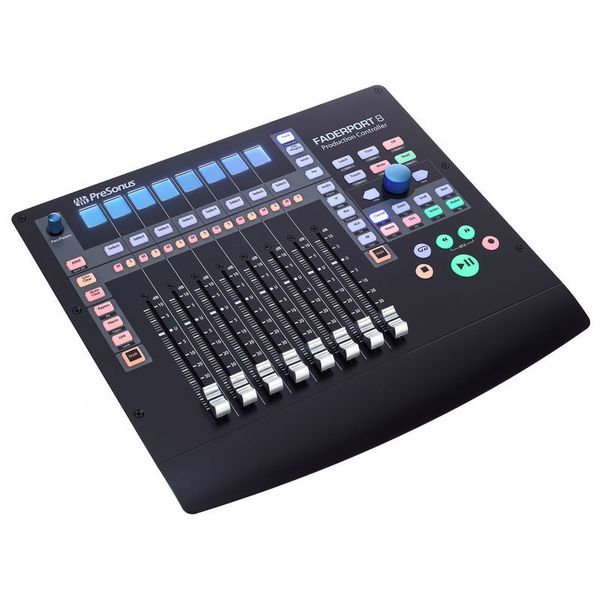


Eight-Channel DAW Production Controller
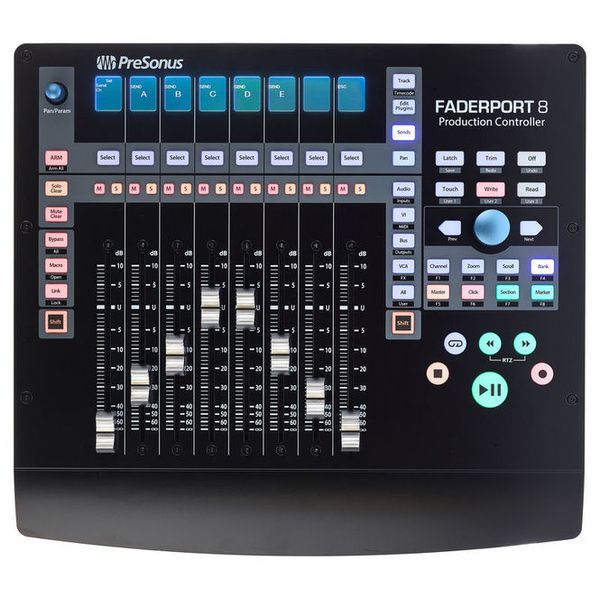
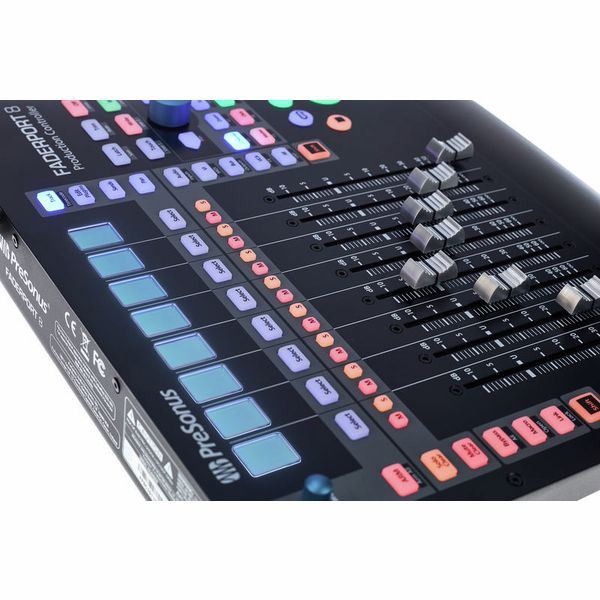
- Eight touch-sensitive 100 mm motorised faders (dual servo drive belt)
- High fader resolution: 10 bits / 1,024 steps
- 57 backlit and status-illuminated buttons
- 78 controllable functions
- Eight high-resolution LC displays as digital labelling fields
- Time code and level display
- Small encoder as panpot and other selected parameters
- Large data wheel with push button for scrolling, zooming, navigating and much more
- Two arrow buttons for step-by-step navigation and setting
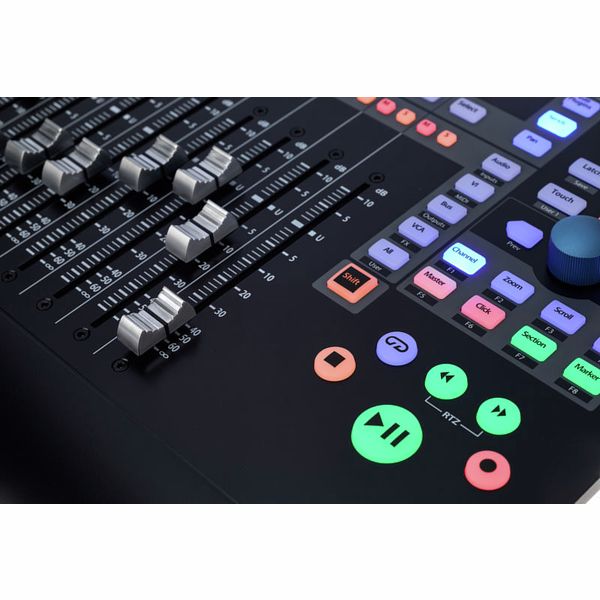
- Transport control, track control, automation control and session navigator
- Fader modes, mixer view, undo/redo, click track on/off, tap tempo, set marker, plug-in parameters and much more
- Four programmable user buttons
- Eight function buttons
- Native Studio One support, HUI and Mackie Control selectable
- Compatible with ProTools, Logic, Cubase, Ableton, Nuendo, Bitwig, Reaper, Digital Performer and others
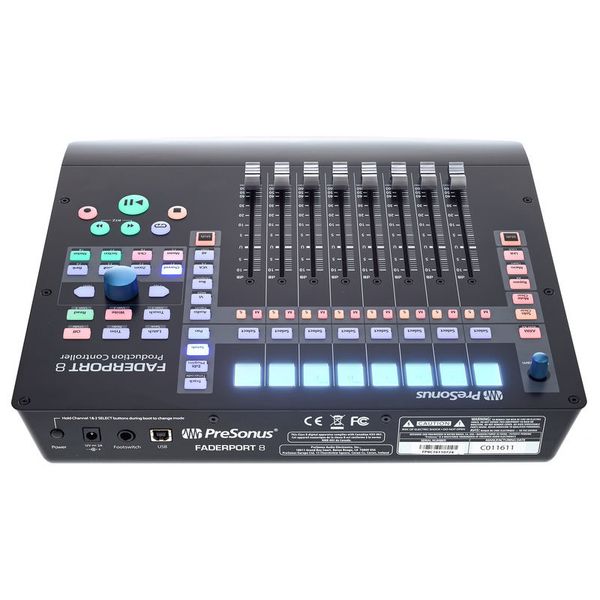
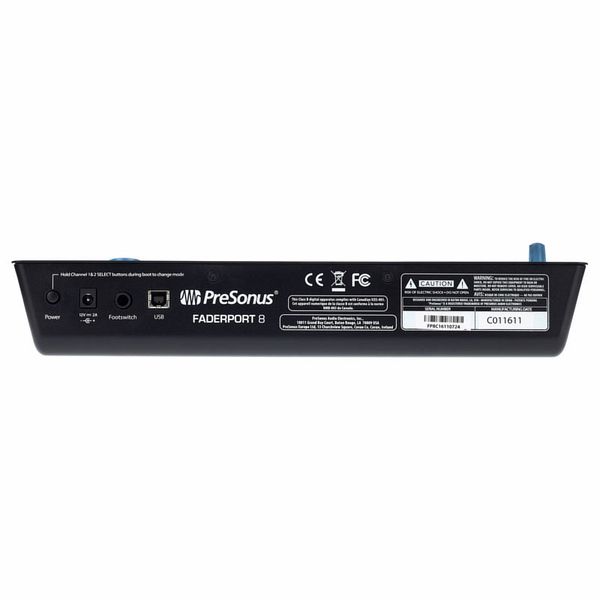
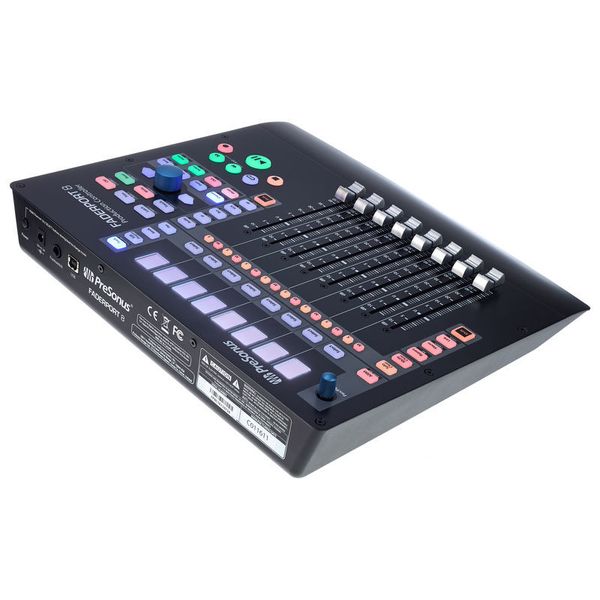
- Jack socket for optional footswitch (start/stop commands)
- No driver installation necessary
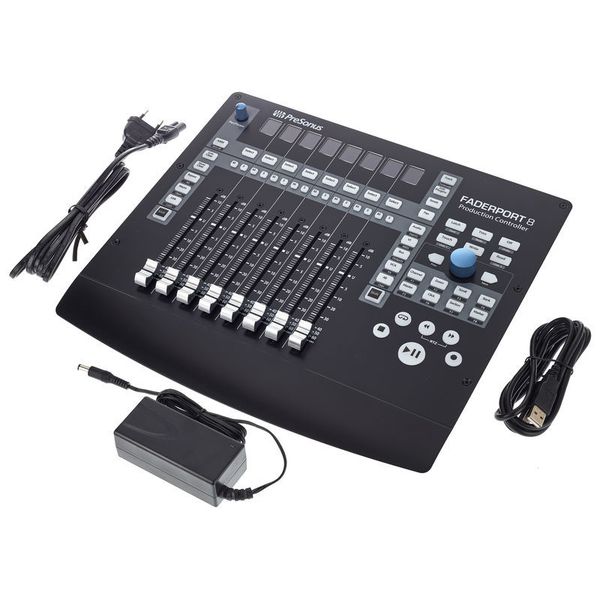
- Power supply via external power supply unit (12 V DC/2 A)
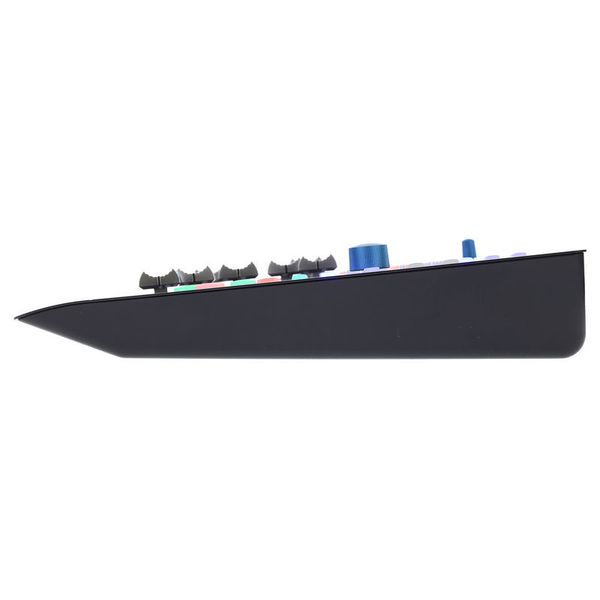
- Dimensions (W x D x H): 330 x 305 x 57 mm
- Weight: 2.7 kg
- Includes Fender Studio Pro Perpetual (Download)
System requirements:
- From OS X 10.8.5
- Intel Core 2 Duo (Intel Core i3 or faster recommended)
- Windows 7 x64/x86 SP1 + platform update
- For Windows 8.1/x64/x86
- For Windows 10/x64/x86
-
Available since December 2016
-
Item number 400412
-
Sales Unit 1 piece(s)
-
USB Yes
-
Bluetooth No
-
5-pole DIN MIDI No
-
Ethernet No
-
Fader 8
-
Rotary Encoders 2
-
Audio I/O No
-
Transport Function Yes
-
Footswitch connection Yes
-
Foot Controller Connection No
-
Bus-Powered No
-
Jog Yes
-
Joystick No
-
Additional Features LCD Display per Channel

A hands-on approach to mixing
For those who prefer a tactile, hands-on approach to mixing, rather than relying solely on a mouse and keyboard, the PreSonus FaderPort 8 offers way to control a DAW that's both intuitive and precise. Featuring eight touch-sensitive, motorised faders, this compact MIDI controller is smooth and responsive, and is sure to streamline the workflow of mixing engineers and music producers. The 65 RGB-lit buttons provide direct access to key functions, and a high-resolution rotary encoder facilitates track navigation, zooming, and precise parameter adjustments. While the interface integrates perfectly with Presonus Studio One, offering deep integration and high-precision fader control, it is also fully compatible with other DAWs via Mackie Control and HUI protocols, making it adaptable to diverse production environments.

)
Precise real-time feedback
Each fader is paired with a high-resolution LCD screen, providing clear visual feedback on the assigned parameter. The 100mm motorised faders automatically snap to position to reflect changes in the DAW, with a 1024-step resolution for ultra-precise adjustments. Dedicated buttons allow users to arm, mute, solo, and pan tracks, while four assignable function keys enable users to customise their workflow. The large clickable encoder facilitates scrolling, selection, and zooming, and provides quick access to tracks and effects. The Session Navigator further streamlines workflow, giving producers access to essential DAW controls without disrupting their creative process.
)
Efficient mixing and automation
Designed for on-the-fly, intuitive mixing, the FaderPort 8 greatly improves workflow efficiency compared to a traditional mouse-and-keyboard setup. The motorised faders provide instant tactile control, allowing users to record and edit automation in real time with smooth, accurate movements. Dedicated transport controls – including colour-coded Play, Stop, and Record transport buttons – reducing reliance on on-screen commands and keeping users focused on the mix. In the Studio One environment, automation is particularly fluid, with precise parameter control and responsive automation curves, while third-party DAWs will benefit from standard transport and mixing functions through MCU and HUI protocols.
)
About Presonus
Presonus is a US company founded in 1995 by Jim Odom and Brian Smith in Baton Rouge, Louisiana. The firm designs hardware and software at both professional and more affordable levels for musicians and producers. Presonus first made a splash in the mid-1990s with the DCP8, an eight-channel analogue compressor/limiter/gate with fader and mute automation that could be digitally controlled by MIDI. In the early 2000s followed a series of microphone amplifiers and the first audio interfaces for the then-emerging home studio scene. Today, the company's product range includes audio interfaces, microphone preamps, digital mixing consoles, and studio monitors as well as the established DAW software Studio One.
Seamless DAW integration
The Presonus Faderport 8 is plug-and-play, meaning it requires no additional drivers to operate – as soon as it's connected to a computer, it's ready to use. Studio One Artist is included, providing instant compatibility with the PreSonus DAW ecosystem. Thanks to Mackie Control and HUI support, the FaderPort 8 integrates with other DAWs such as Pro Tools, Cubase, Logic Pro, and Ableton Live, though functionality may vary depending on the software. While Studio One users benefit from full integration, third-party DAW users may experience some limitations in fader resolution and plug-in control. Nonetheless, with its compact footprint, professional-grade motorised faders, and intelligent workflow enhancements, the PreSonus FaderPort 8 is a versatile and powerful mixing controller for modern music production everywhere.
)
This is what customers who viewed this product bought

Accessories & matching items
Compare options
-
Presonus DAW Controllers at a glance
-
Display DAW Controllers from £ 400 - £ 500
-
Go to product group DAW Controllers
-
Go to product group Controllers
-
Go to product group Studio and Recording Equipment
-
Show manufacturer details for Presonus
-
Presonus Studio and Recording Equipment at a glance