


MOTU 828 (2024)

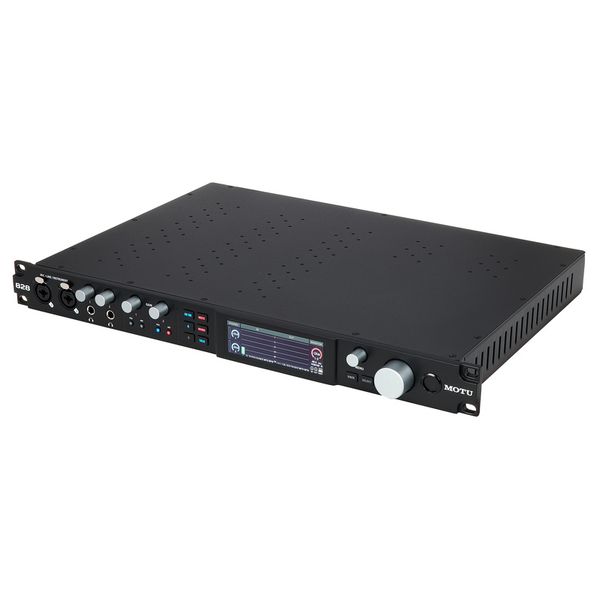
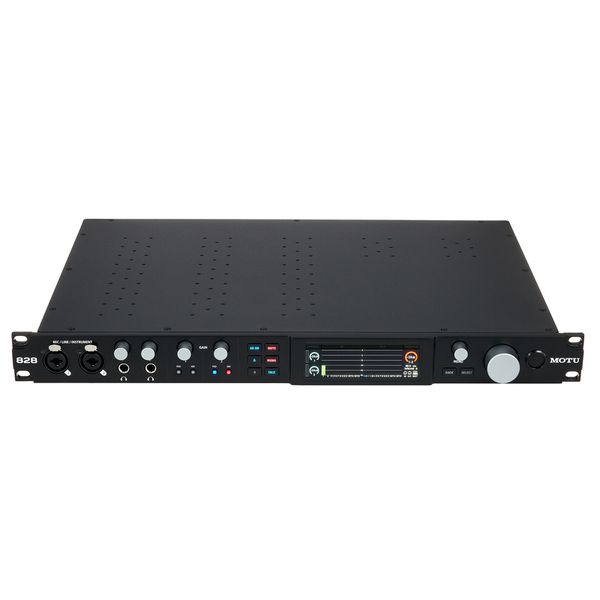
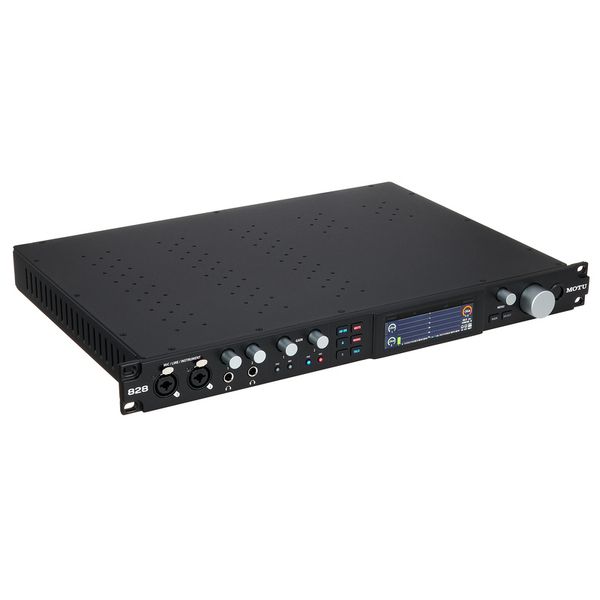
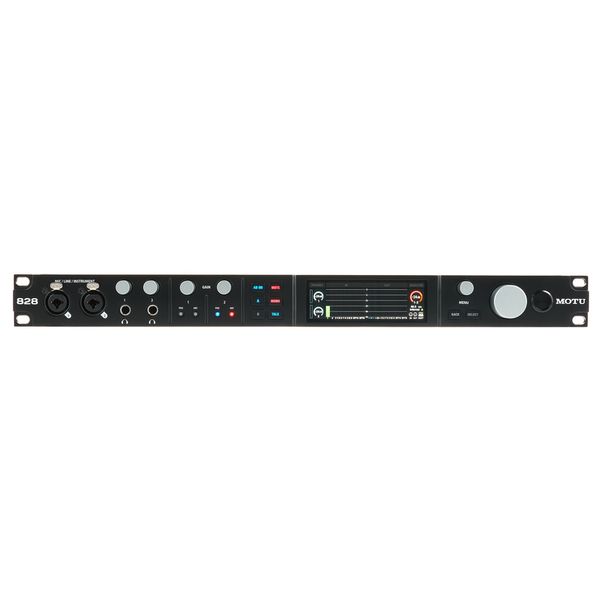
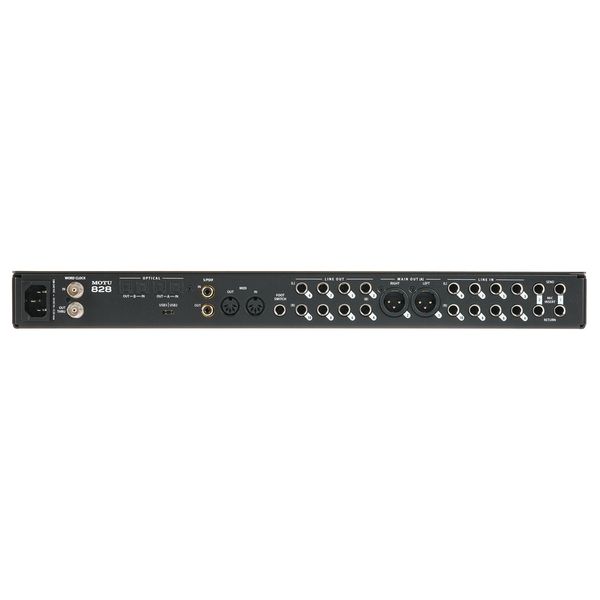
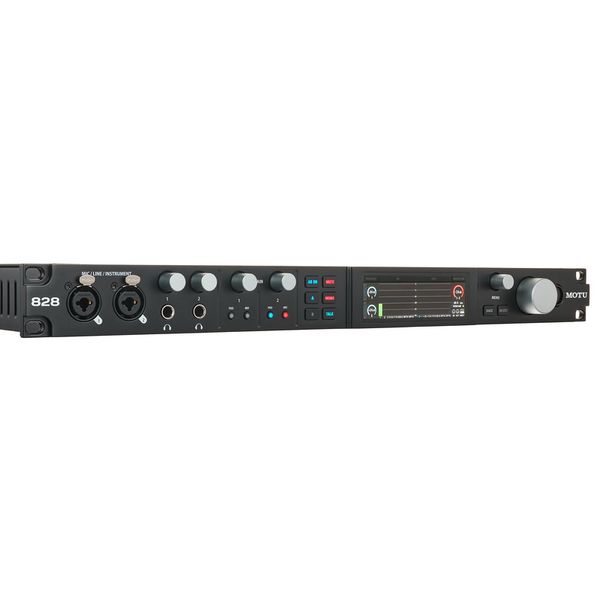
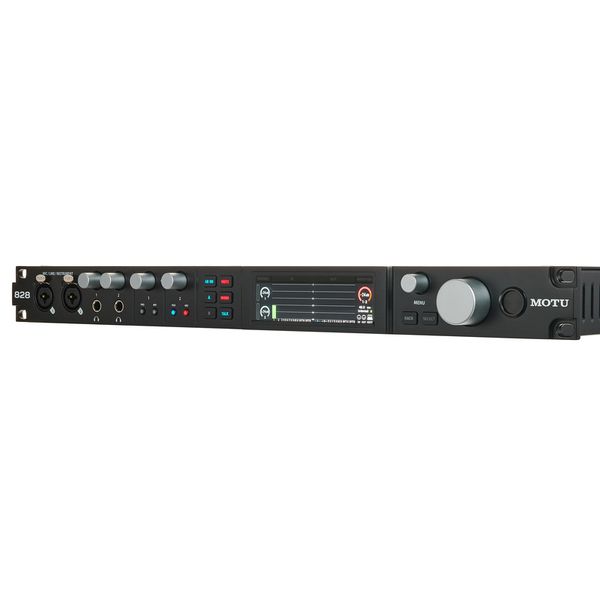
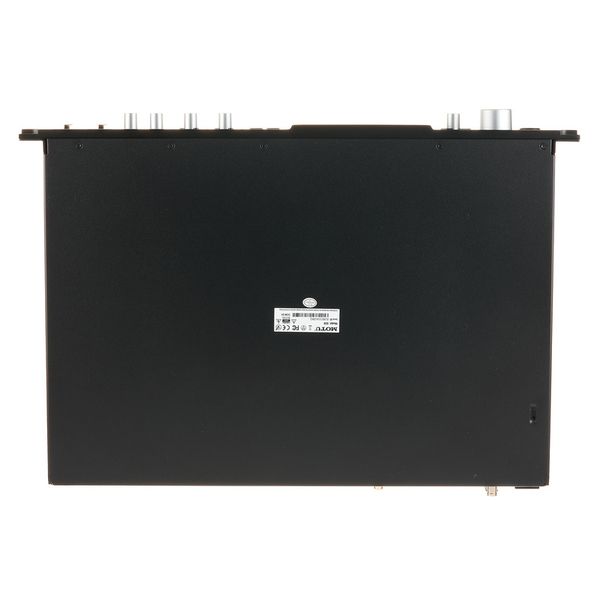
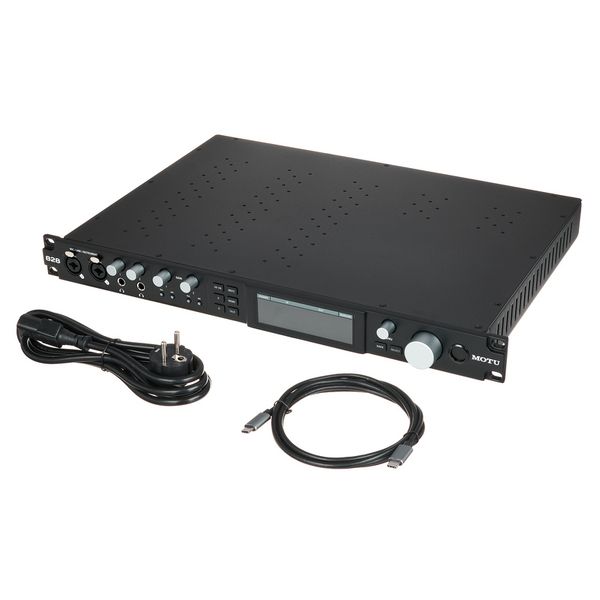


28 x 32 USB 3.1 Audio Interface with USB-C Connection
- Resolution: 24 bit / 192 kHz
- ESS Sabre32 Ultra DAC-Technology
- DSP-controlled digital mixer with 24 inputs, 8 stereo busses and DSP effects (reverb, 4-band EQ, gate & compressor)
- High-resolution (480 x 128) 3.9" LCD colour display
- Dynamic range line inputs: 120 dB
- THD+N line inputs: -114 dB
- Equivalent input noise microphone preamplifier: -129 dB
- Microphone preamplifier with +74 dB gain
- Dynamic range line outputs: 125 dB
- THD+N line outputs: -114 dB
- 48V phantom power, -20 dB pad, phase flip, remote control and dedicated inserts per microphone input
- 60 Simultaneously usable audio channels (28 inputs and 32 outputs)
- Dimensions (W x D x H): 482 x 311 x 44 mm
- Weight: 5 kg
- System requirements Interface: Windows 10 or later, Mac OSX 10.13 or later
Connections:
- 2 x Mic / Instrument / Line inputs: XLR / jack 6.3 mm combo
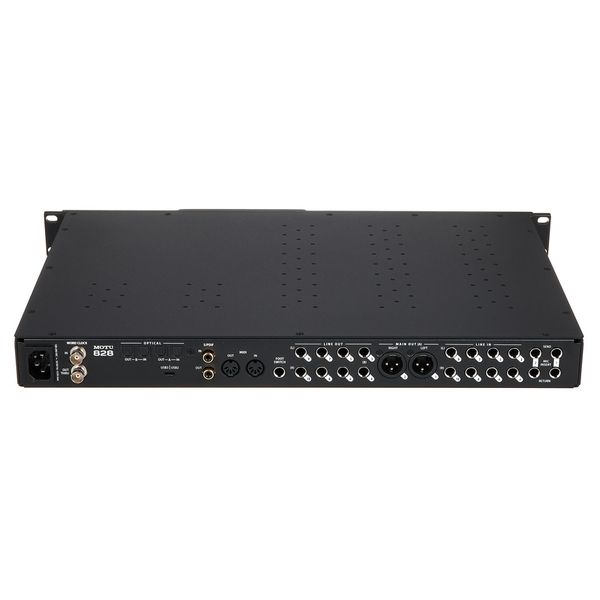
- 8 Line inputs: 6.3 mm jack, balanced
- 8 DC-coupled line outputs: 6.3 mm jack balanced
- 2 x XLR Main out
- 2 x ADAT input and output
- Coaxial S/PDIF (24-bit 96kHz)
- 2 x Send/return 6.3 mm jack balanced
- MIDI input and output
- Word clock input and output: BNC
- 2 Headphone outputs
- Foot switch input: 6.3 mm jack
- USB-C connection (compatible with USB type A)
-
Available since January 2024
-
Item number 583527
-
Sales Unit 1 piece(s)
-
Recording / Playback Channels 28x32
-
Number of Mic Inputs 2
-
Number of Line Inputs 10
-
Instrument Inputs 2
-
Number of Line Outs 10
-
Headphone Outs 2
-
Phantom Power Yes
-
Number of S/PDIF Connectors 1
-
Number of ADAT Connectors 2
-
Numer of AES/EBU Connectors 0
-
Number of MADI Connectors 0
-
Ethernet 0
-
Other Connectors None
-
MIDI interface Yes
-
Word Clock 1xIn, 1xOut
-
Max. Sampling Rate in kHz 192 kHz
-
Max. Resolution Rate in Bits 24 bit
-
USB Bus-Powered No
-
Incl. power supply Yes
-
USB Version 3.1
-
Width 483 mm
-
Height 45 mm
-
Connection Format USB port Type C
-
Included in delivery Power Cable, USB-C Cable
-
Zero latency monitoring Yes
-

Plenty of headroom, ultra-low latency
MOTU has earned a strong reputation for crafting high-quality interfaces and converters, particularly in the mid-to-high price range – and the MOTU 828 (2024) lives up to this legacy. Powered by ESS Sabre32 DAC technology, this USB audio interface ensures an exceptional dynamic range and extremely low levels of harmonic distortion while minimising background noise. Designed in a compact 19" rack format (1U), it offers universal connectivity for Mac, PC, and iOS devices via its USB 3.1 port (compatible with USB 2), supporting up to 60 audio channels simultaneously (28 inputs and 32 outputs). With optimised drivers for Mac and PC, it achieves an ultra-low round-trip latency of around two milliseconds at a sampling rate of 96kHz and a 32-sample host buffer, making direct monitoring unnecessary in most scenarios.

)
Extensive connectivity
When it comes to studio cabling, the MOTU 828 boasts exceptional versatility, offering a wide range of connections for microphones, guitars, synthesizers, keyboards, drum machines, external processors, MIDI devices, and more. Two combined microphone and Hi-Z guitar inputs on the front enable precise recording with a THD+N of -114dB and a dynamic range of 120dB. Each microphone channel features individual pre-amplification, pad switches, 48V phantom power, and remote control via computer or iOS device. Additionally, the combo sockets provide 6.3mm jack inputs for DI tracking and guitar reamping. The inclusion of a footswitch input allows for hands-free recording control, while two independent headphone outputs, with separate volume control, ensure flexible monitoring.
)
A powerful command centre
The MOTU 828 is designed for professional musicians, sound engineers, and music producers with high standards in terms of audio quality and versatility in the studio. The interface is tailored not only for Mac and PC users but also for those who work with iOS. The downloadable CueMix 5 app allows precise monitoring with effects and offers user-friendly graphical control across different platforms. When connected to a computer with WiFi, the interface can be wirelessly controlled via CueMix 5 on mobile devices, in addition to which the interface's analogue inputs and outputs are effectively shielded against RF interference, hum, and other environmental factors, ensuring uninterrupted studio operation at all times.
)
About MOTU
The US manufacturer of digital audio hardware from Cambridge, Massachusetts, was founded in 1981 and since then has continued to generate attention for its sophisticated and innovative concepts. The company's range includes USB, Thunderbolt, and network audio interfaces, MIDI interfaces, video hardware, and the popular MOTU Digital Performer DAW software. MOTU also developed "Mouse Stampede", one of the first arcade games for the Apple Macintosh, in 1984. In short, MOTU represents good-quality, reliable products with a great deal of creativity and wit, which usually come at a very fair price.
As versatile as they come
The MOTU 828 opens up a wide range of creative audio recording applications, including high-quality microphone and guitar recording, DIY guitar reamping, the integration of external devices for channel processing, and flexible monitoring with up to ten analogue outputs. Thanks to its loopback channels, the computer signal can be conveniently routed back to the computer for live streaming or podcasting and mixed with live microphones or guitar inputs. What is more, the optical ADAT connections provide expansion options for up to 16 channels. MIDI Thru simplifies the connection of MIDI devices without the need for a separate MIDI interface, and the level views on the display can also be customised depending on the inputs and outputs that are currently being used in the workflow.
In the spotlight
The "Performer Lite" software
Performer Lite offers all the essentials for recording, editing, mixing, processing, and mastering with ease. The software includes over 100 virtual instruments, ranging from acoustic and electric pianos, guitars, basses, drums, organs, synthesizers, orchestral instruments, choirs, and more. Additionally, the software contains 6GB of free loops and sample packs from leading providers such as Big Fish Audio, Lucidsamples, and Loopmasters, which can be previewed and then simply dragged and dropped into the project timeline.
)
This is what customers who viewed this product bought
Accessories & matching items
Compare options
-
MOTU USB Audio Interfaces at a glance
-
Display USB Audio Interfaces from £ 750 - £ 1250
-
Go to product group USB Audio Interfaces
-
Go to product group Audio Interfaces
-
Go to product group Studio and Recording Equipment
-
Show manufacturer details for MOTU
-
MOTU Studio and Recording Equipment at a glance